DOWNLOAD
Firestick | Fire tv | Android box | Android tablet | Android phone

MUST BE A FIRESTICK WITH ANDROID SOFTWARE, FIRETV & ANDROID BOXES INCLUDES NVIDIA SHIELD &
MIBOX
To enable third-party apps on a Fire Stick, first, unlock Developer Options by navigating to Settings > My Fire TV > About, then press select button 7 times. Then you will see the
“You are now a developer!”message.
Next, go to Settings > My Fire TV > Developer Options and turn on “Apps from Unknown Sources” to allow the installation of apps from outside the Amazon Appstore.

Download the Downloader App by troypoint.

Open DOWNLOADER app and enter (Case Sensitive)
After the download is complete install the application. After you install the application it will ask you to allow or deny hotshot media you must press allow
After Installation Enter Username And Password and Enjoy!
Only follow Step 6 instructions if you have these issues. If not, disregard and enjoy your Hotshot streams.
“LOGIN FAILED Check username and password”
This error typically indicates that your Internet Service Provider (ISP) is blocking the connection. To resolve this, you must use a VPN:
-
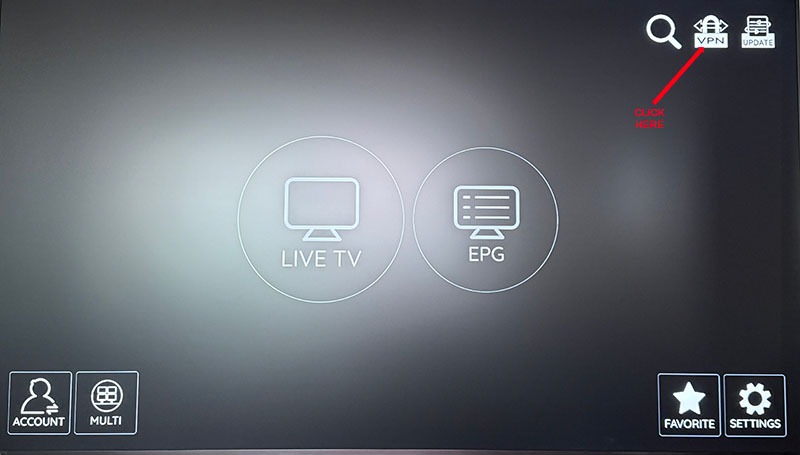
Click the Gear icon shown below and select VPN.
-
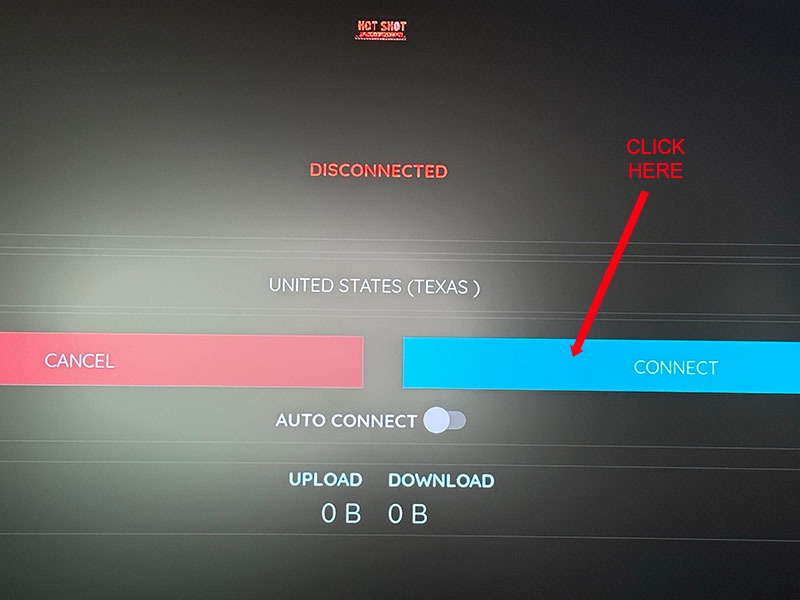
Connect to any available USA city.
-
Return to the login screen and enter your credentials.
Note: If login succeeds, your ISP requires you to remain connected to the VPN to use this service.
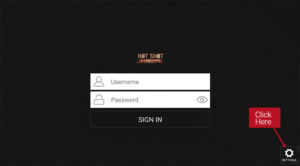
If you are getting a blue spinning circle this means you have been blocked by your internet provider so you need to connect to a VPN to be able to watch we have one in the app you can you try and use look below for instructions.
ANDROID PHONES & TABLETS
Open web browser on phone or tablet
Enter
Install
Open the app & login
(Case Sensitive Must Be Exact)
On web browser seach engine type the following http://bangplayer.xyz/login
Once loaded the page should look like this

WEB PLAYER INSTRUCTIONS
Enter Username & Password
NOTE: FOR SECURITY REASONS DON’T CHECK REMEMBER IF DEVICE ISN’T YOURS
IPHONE AND IPAD
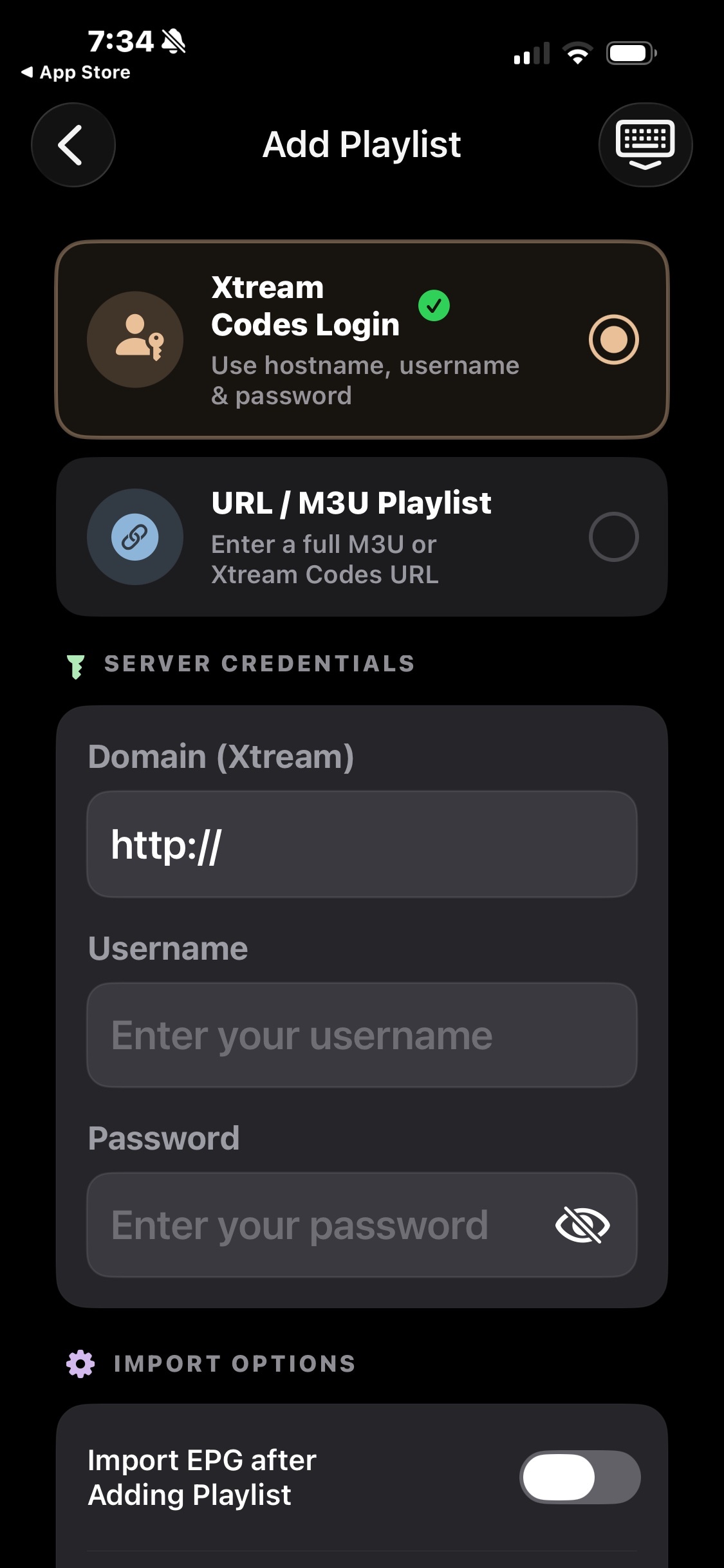
Open the app select xtream code, then Enter any name on first line doesn’t matter
Click add playlist then click add xtream codes
Enter your login which is all numbers.
Enter url must be exact http://bangplays.xyz:25461